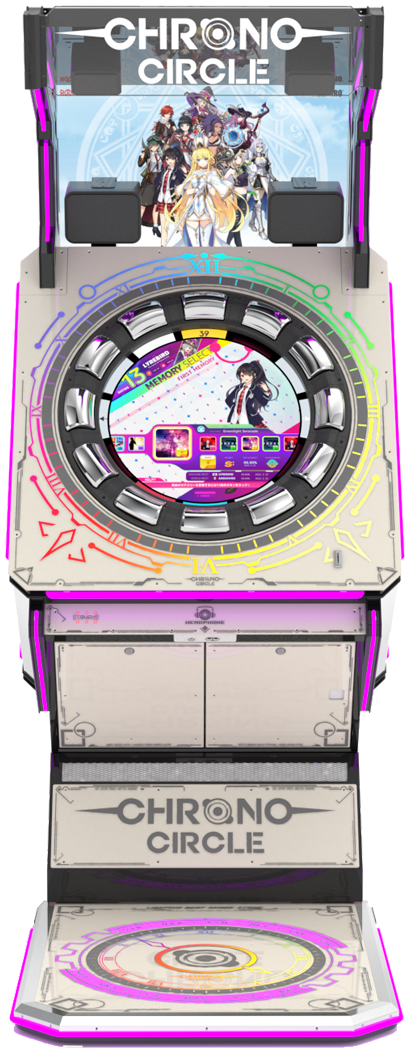
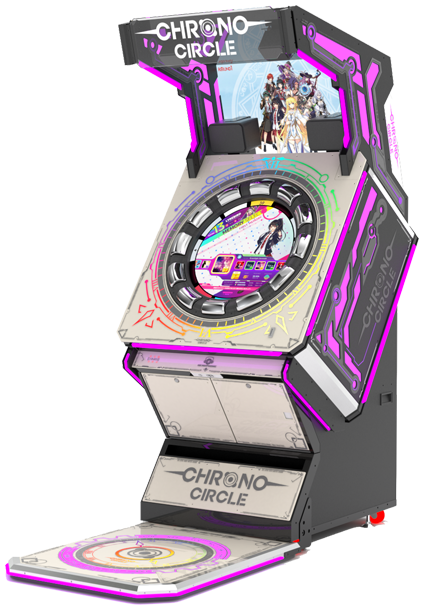
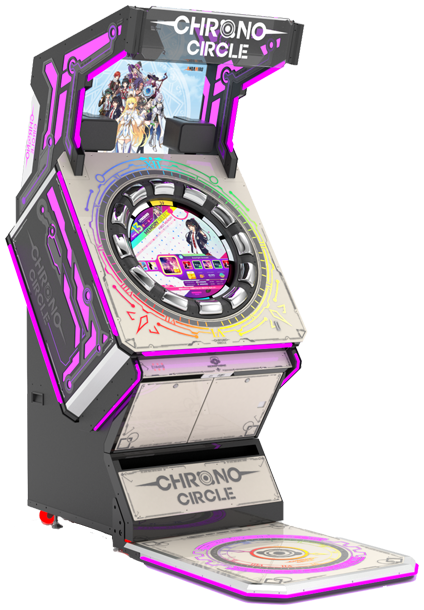
Game play is largely divided into touch play and button play, and button play and touch play are mixed in one game.
Touch Play has a method similar to the DJMAX TECHNIKA series , in which notes stopped on the screen are processed according to linear judgment lines that rotate clockwise and counterclockwise within a circular screen. There are touch and hold types of notes, and the judgment line and note are red when turning clockwise, and blue when turning counterclockwise. Originally there were also knock and slash notes, but they were deleted with the 1.120 update . Some believe that there was a reason for deletion because the play method is so messy, but there are also opinions that if the note was to be deleted immediately as an update, it should have been deleted at the location test stage. Since then, through Angate, which was uploaded on February 21st, there is a possibility of a revival in the direction that only comes out in EXPERT and MASTER difficulties.
It was eventually revived in patch 1.210 on March 23rd. However, it currently only appears in EXPERT and MASTER difficulties, and EXPERT levels 10 and 10+ will be adjusted downward to appear. It is said that at other difficulties, the pattern after deletion is maintained.
- POP: Normal touch notes. When the judgment line touches the note, it is processed by touching it.
- HOLD: Long notes . Touch and hold the first note until the judgment line passes the end of the note.
- KNOCK: Knocked down notes. Like the purple repeated notes of the DJMAX TECHNIKA series, whenever the judgment line passes a note, the first note is touched and processed.
- SLASH: Flick notes. When the judgment line touches the note, it is handled by scratching it sideways.
Button play has a method similar to the maimai series and WACCA , in which notes are processed from the inside to the outside of the screen according to the circular decision line outside the screen. As for the types of notes, there are slide notes that are processed by turning the outer circle area like the touch and sound vortex series , or VOEZ .
- TICK: Normal button notes. When the note touches the judging line, press the button to process it. There is a separate rainbow-colored note named TACK, but The TICK note and processing method are the same.
- TOCK: When the first note touches the judging line, hold down the button and move the circle area to catch and process the remaining notes.
- DRIVE: Move the circle area with a light blue wide note to catch and process the note with the judgment line. Unlike the TOCK note, this one does not require pressing a button.
- SPIN: A circular note that covers the entire circle area with an arrow drawn on it, and is processed by turning the circle area clockwise or counterclockwise. Like the color of the touch play judgment line, clockwise is red and counterclockwise is blue. It is also mixed a lot.